
Change Orders with E-Signature
Non-returnable
Tags:
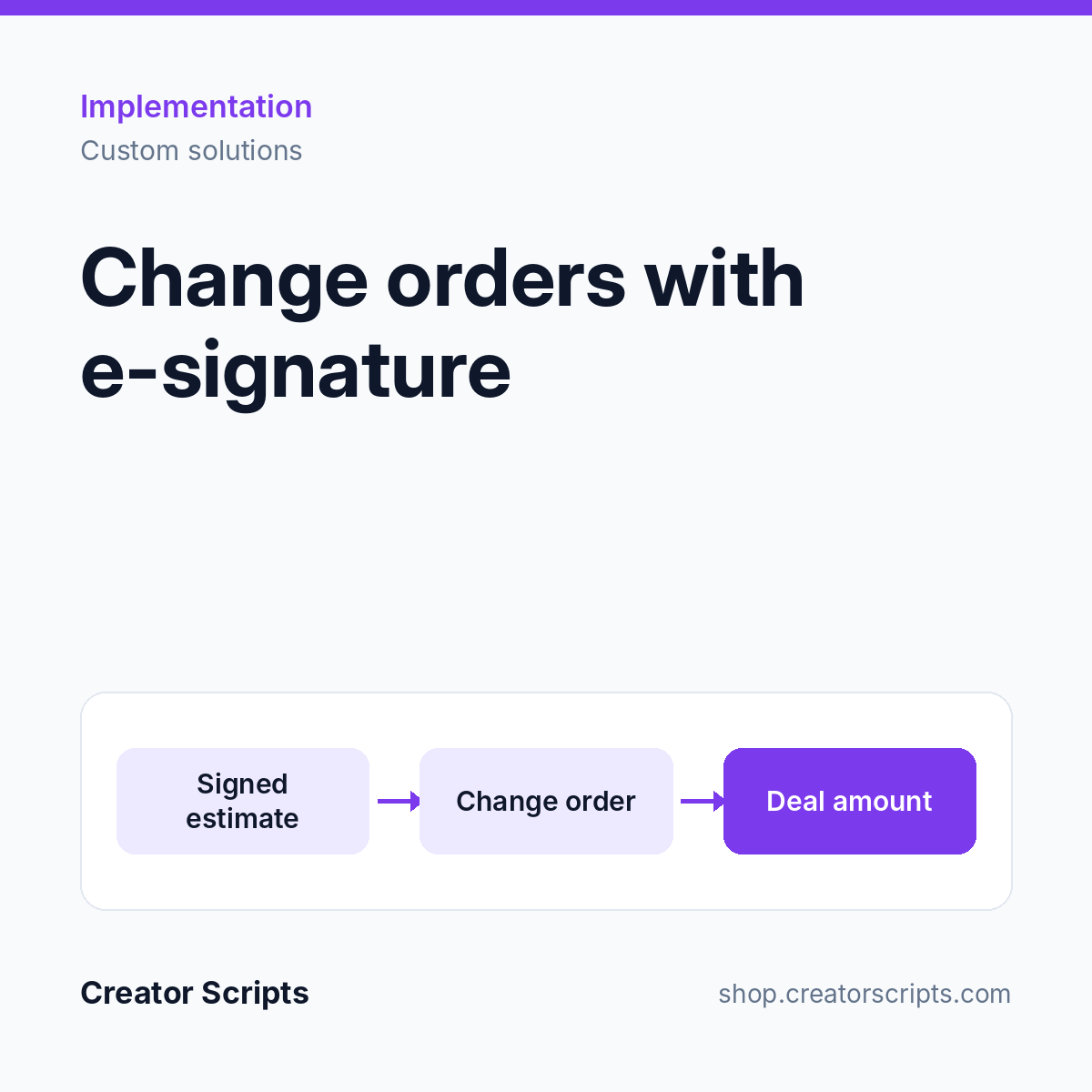
Create a change order from a signed estimate, get it signed and have the deal amount updated for you.
Choose Quantity
MXN11,100.00
Product Details
What you get
Scope changes after signing are documented, approved and reflected in the numbers, not agreed over a phone call and forgotten.
- Create Change Order action on a signed estimate, with the original carried over
- Support for several change orders on the same job
- Signature through Zoho Sign, or a recorded phone approval when you allow it
- Deal amount in Zoho CRM updated once the change is approved
- Signed change order filed with the original estimate
Who it suits
A service business where the job often grows or shrinks after the client has signed.
What we need from you
Estimates already running in Zoho Creator with Zoho Sign, admin access to both and your rules for approving changes.
How it starts
1. Use Add to Cart above and check out, or write to us first to confirm fit.
2. We contact you to schedule a kickoff call.
3. We confirm scope and access with you, then start the work.
Billing questions
Who bills me?
Creator Scripts invoices you in MXN.
What does the price cover?
The scope listed above for one Zoho organization, in MXN before IVA. Anything outside the scope is quoted before we start.