
Estimate E-Signature with Zoho Sign
What you get
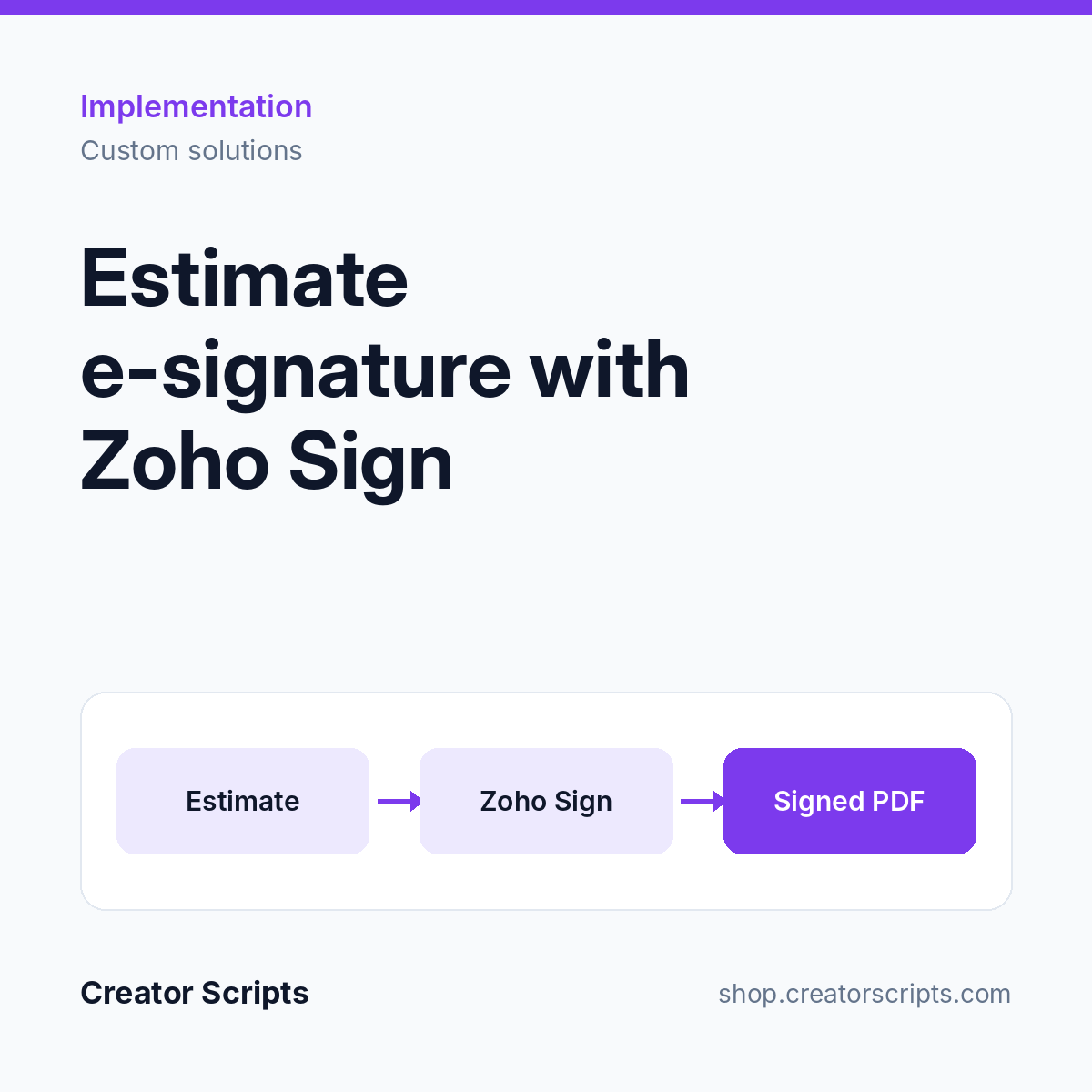
An estimate goes from approved to signed without anyone downloading, attaching or chasing a PDF.
- Send for Signature action on the estimate, with your terms and conditions merged in
- Optional second signer, such as a relative or a power of attorney
- Signed PDF attached to the estimate and to the Zoho CRM deal
- Signature status and signed date written back automatically
- Protection against double sends, plus recall and decline handling
Who it suits
A team that quotes from Zoho Creator or Zoho CRM and needs a signed acceptance before work starts.
What we need from you
Admin access to Zoho Sign and to the app your estimates live in (such as our estimator app in Zoho Creator), your estimate layout and your terms and conditions. No account yet? Sign up for Zoho Sign.
How it starts
1. Use Add to Cart above and check out, or write to us first to confirm fit.
2. We contact you to schedule a kickoff call.
3. We confirm scope and access with you, then start the work.
Billing questions
Who bills me?
Creator Scripts invoices you in MXN.
What does the price cover?
The scope listed above for one document type in one Zoho organization, in MXN before IVA. Zoho Sign licenses and automation credits are separate. Anything outside the scope is quoted before we start.