
WorkDrive Deal Folders and Client Upload Link
What you get
Files for each job live in one predictable place, and clients send you media without email attachments or text messages.
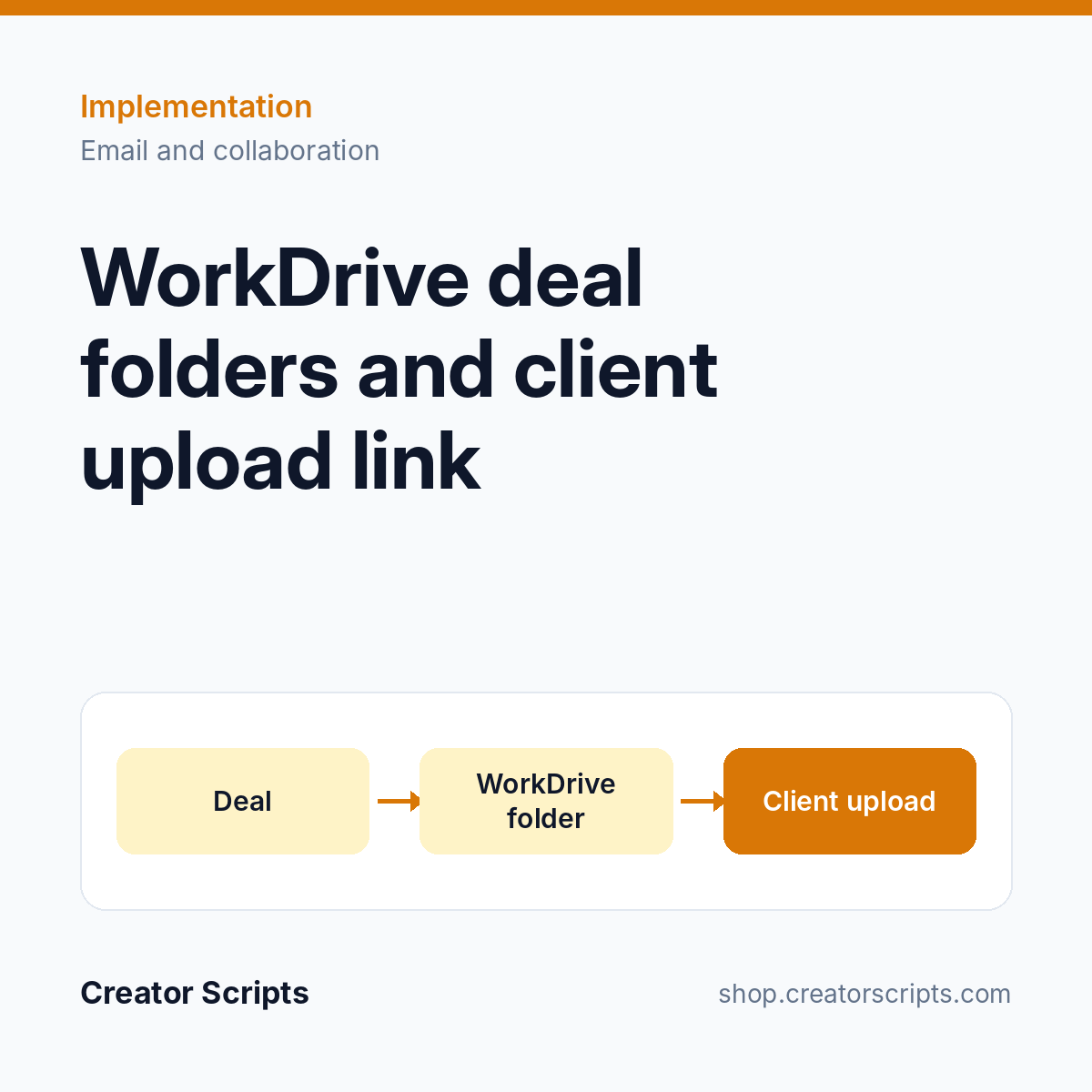
- Folder structure created in WorkDrive when a deal reaches the stage you choose
- Automatic sharing with the deal owner, project manager and operations
- Client upload link stored on the deal and ready to email
- Deal flagged and a confirmation sent to the client when media arrives
- Folder link visible from the CRM record
Who it suits
A team that needs photos, videos or documents from clients before it can quote or start a job.
What we need from you
Admin access to Zoho CRM and Zoho WorkDrive, and the folder layout you want for each job. No account yet? Sign up for Zoho CRM or Zoho WorkDrive.
How it starts
1. Use Add to Cart above and check out, or write to us first to confirm fit.
2. We contact you to schedule a kickoff call.
3. We confirm scope and access with you, then start the work.
Billing questions
Who bills me?
Creator Scripts invoices you in MXN.
What does the price cover?
The scope listed above for one Zoho organization, in MXN before IVA. WorkDrive licenses and storage are separate. Anything outside the scope is quoted before we start.