Partner Resource Page in Zoho Creator
What you get
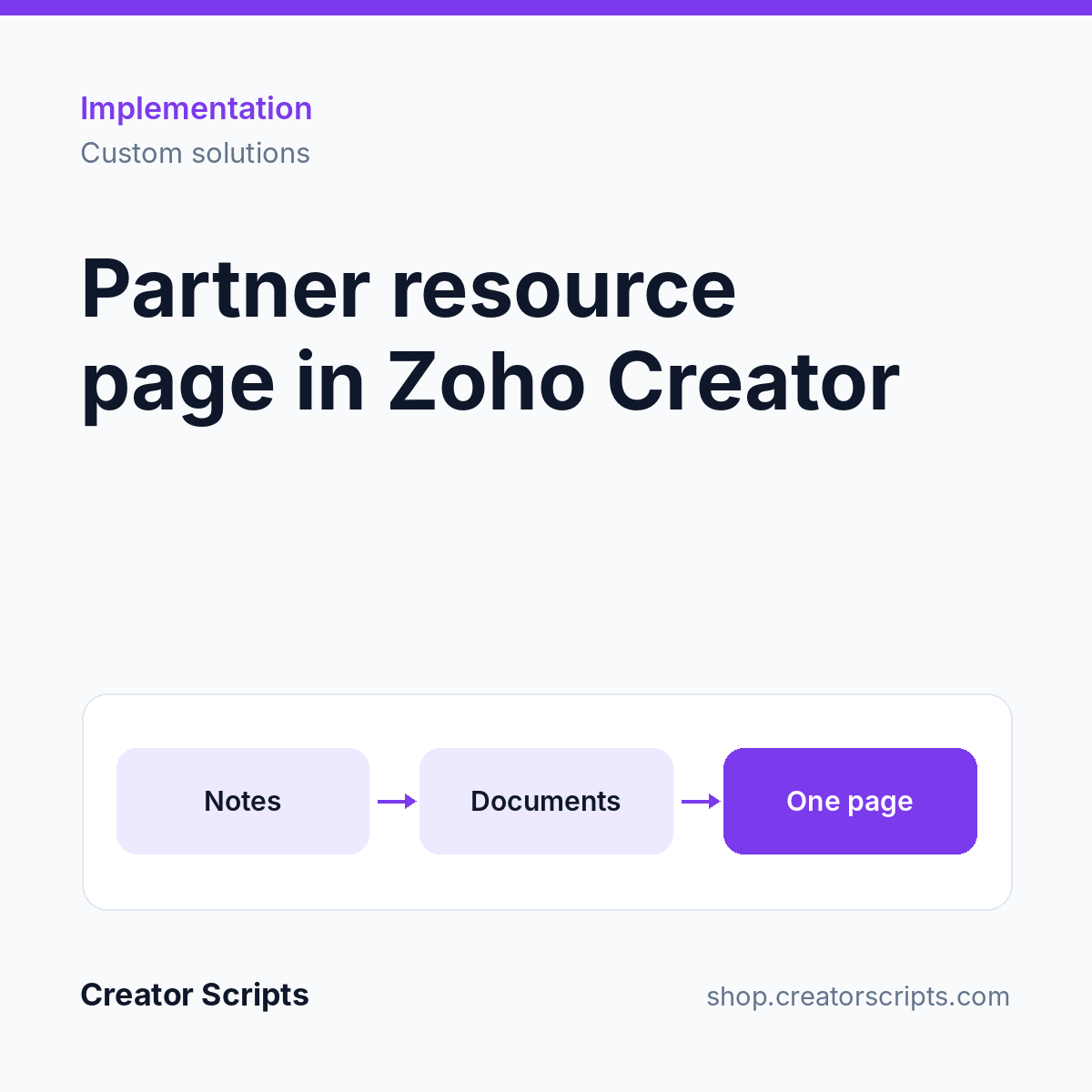
One page in your app for each program or partner, where staff find the notes, images, PDFs and documents they need.
- Notes section, with add and edit in a popup
- Image and PDF gallery, with upload for admins
- Document library filtered by company or location
- Separate views for staff and admins
- Menu tab shown only where the program applies
- Built in your app's existing look
Who it suits
A team that keeps program material in email threads and shared drives, and wants it next to the record staff already have open.
What we need from you
Admin access to Zoho Creator, the content for the page, and the roles that should see and edit it. No account yet? Sign up for Zoho Creator.
How it starts
1. Use Add to Cart above and check out, or write to us first to confirm fit.
2. We contact you to schedule a kickoff call.
3. We confirm scope and access with you, then start the work.
Billing questions
Who bills me?
Creator Scripts invoices you in MXN.
What does the price cover?
The scope listed above for one page in one app, in MXN before IVA. Zoho licenses and add-ons are billed to you by Zoho. Anything outside the scope is quoted before we start.