Hot Lead Auto-Scoring for Zoho CRM
What you get
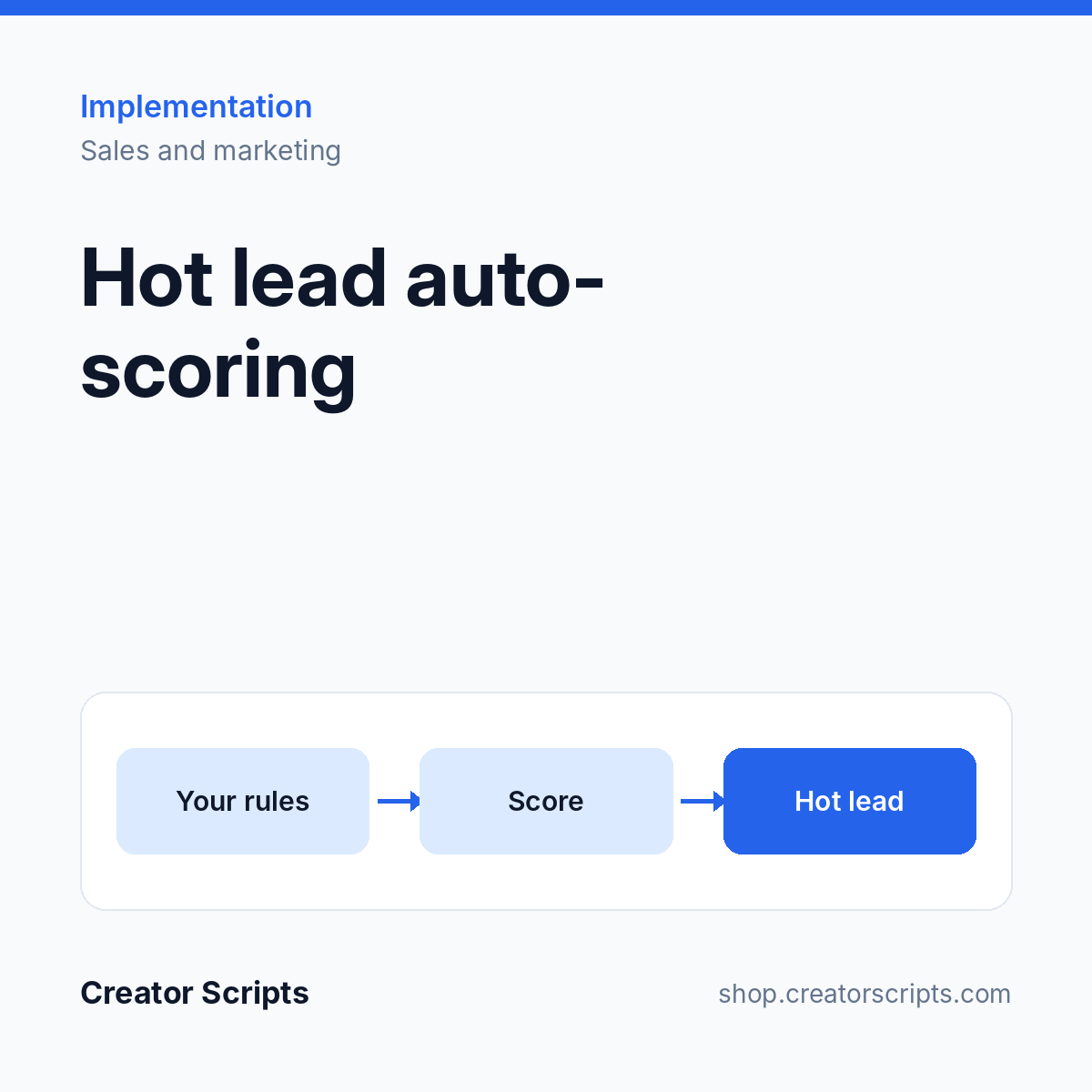
The criteria your team uses to call a lead hot become rules that CRM applies to every deal, the moment the data changes.
- Your criteria mapped to CRM fields and evaluated automatically
- Hot and not-hot flags with the reason recorded on the deal
- Promotion when a calendar booking arrives (Calendly or Zoho Bookings)
- Visible marker on the kanban view
- Catch-up run across your open deals
Who it suits
A sales team with more open leads than time, that wants the best ones called first.
What we need from you
Admin access to Zoho CRM and your definition of a hot lead, even if it is only a list of rules of thumb. No account yet? Sign up for Zoho CRM.
How it starts
1. Use Add to Cart above and check out, or write to us first to confirm fit.
2. We contact you to schedule a kickoff call.
3. We confirm scope and access with you, then start the work.
Billing questions
Who bills me?
Creator Scripts invoices you in MXN.
What does the price cover?
The scope listed above for one Zoho organization, in MXN before IVA. Anything outside the scope is quoted before we start.