Closed Won to Zoho Projects Setup
What you get
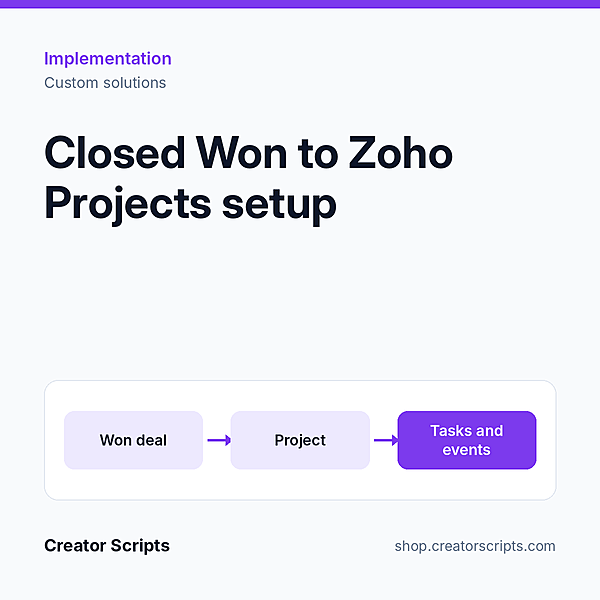
The handoff from sales to delivery happens on its own. When the deal closes, the project is ready to work on.
- Project created in Zoho Projects from the won deal, with client details carried over
- Your standard task list applied, with owners and due dates
- Job dates from CRM shown as events on the project calendar
- Guard against duplicate projects when a deal is edited or reopened
- Link between the deal and its project in both directions
Who it suits
A team that sells in Zoho CRM, delivers in Zoho Projects and creates each project by hand.
What we need from you
Admin access to Zoho CRM and Zoho Projects, and the task list you follow on a typical job. No account yet? Sign up for Zoho CRM or Zoho Projects.
How it starts
1. Use Add to Cart above and check out, or write to us first to confirm fit.
2. We contact you to schedule a kickoff call.
3. We confirm scope and access with you, then start the work.
Billing questions
Who bills me?
Creator Scripts invoices you in MXN.
What does the price cover?
The scope listed above for one project template in one Zoho organization, in MXN before IVA. Anything outside the scope is quoted before we start.